20% to start, 30% for good after 100 subscribers.
Your cut of the monthly pool grows with your audience, and the step is permanent.
How you join, how a film goes live, how you get paid, and what your creator code does, screen by screen.
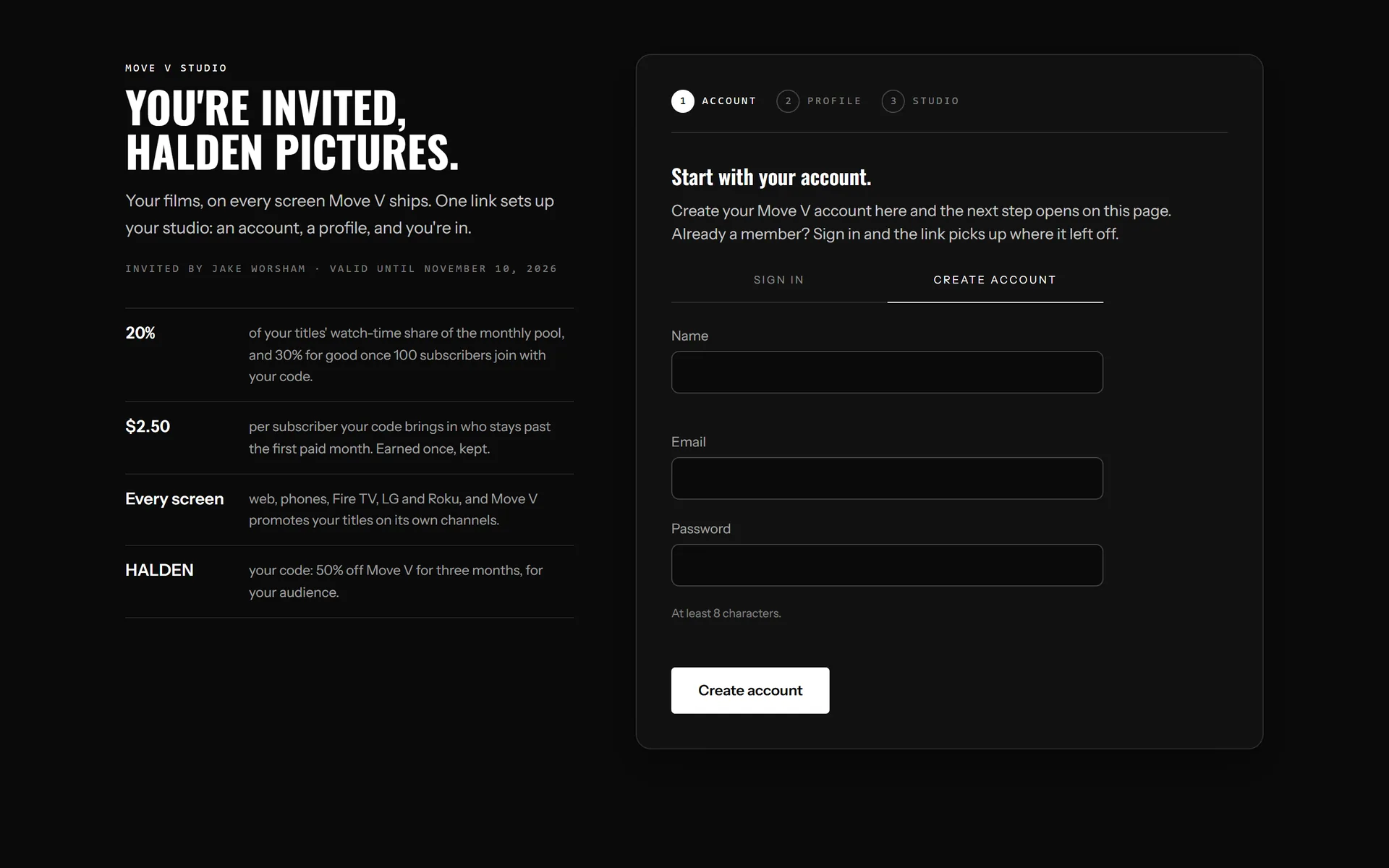
After we talk, you get an invite link by email. It opens a page with your name, the offer and your own creator code, already reserved for you.
Three steps follow on the same page: create your Move V account, fill in your profile (name, bio, links, photo) and accept the creator terms. Then you are in the studio.
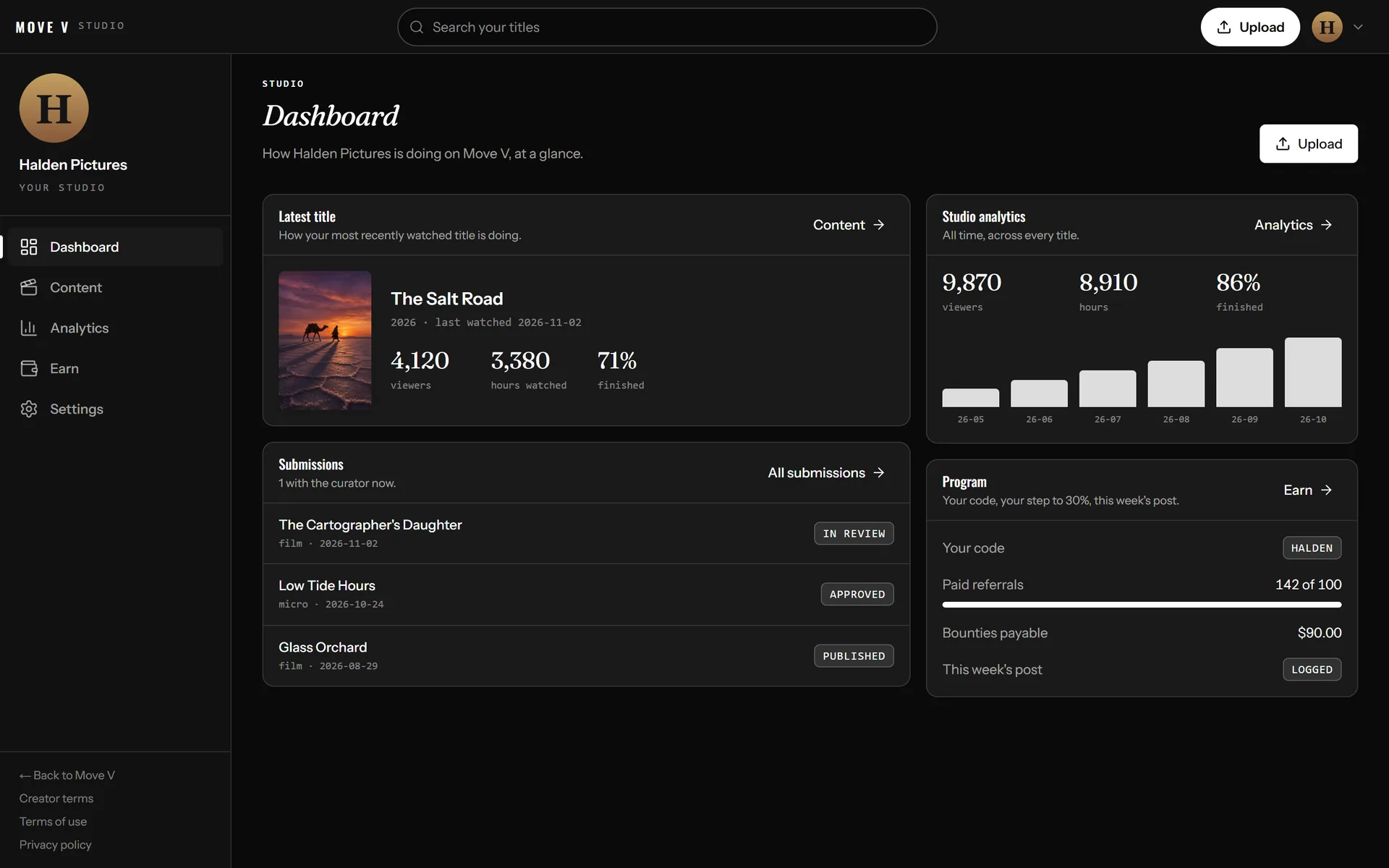
The dashboard is the first screen you see when you sign in. It shows how your most-watched title is doing, where each submission stands with the curator, your watch time month by month, and your program status: your code, your paid referrals, bounties owed and whether this week's post is logged.
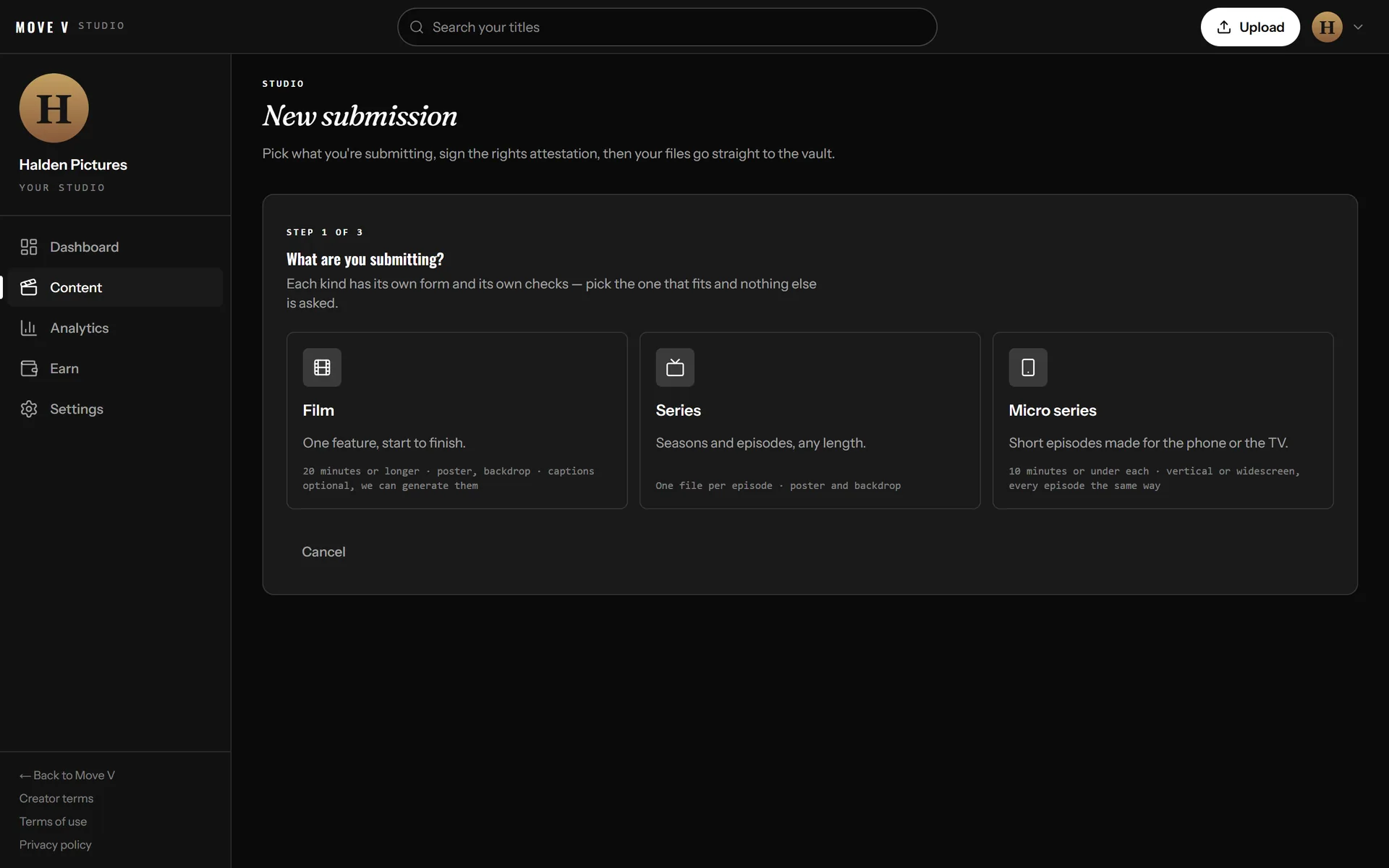
Press Upload and pick what you are submitting. Films run 20 minutes or longer, series have seasons and episodes, and micro series are short episodes of 10 minutes or less, in portrait or landscape.
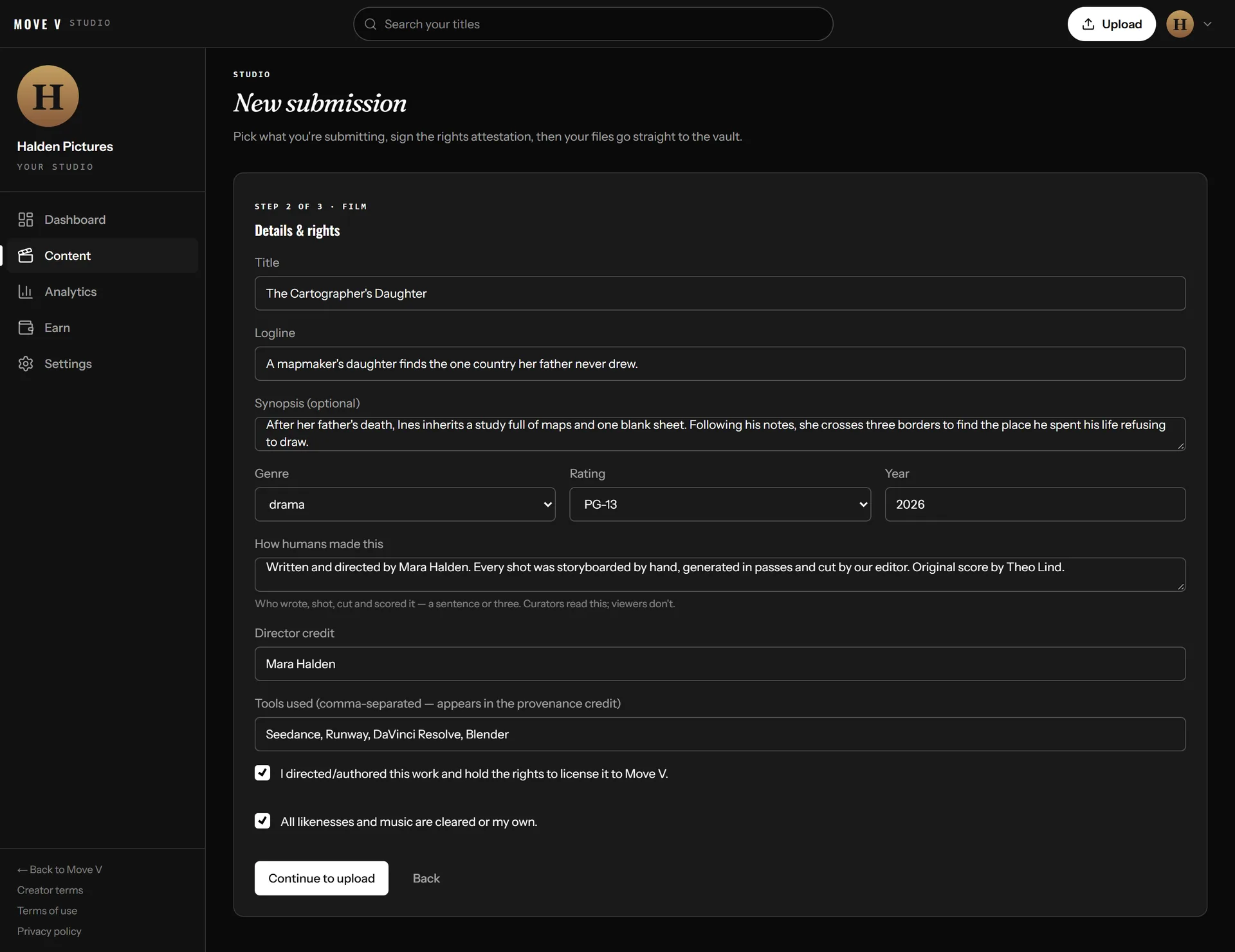
Next come the details and rights: title, logline, genre, rating, a few sentences on how humans made the work, your director credit and the tools you used. You confirm that you hold the rights and that likenesses and music are cleared. Then your files upload straight to the vault, with artwork and optional captions. If you skip captions, Move V generates them from the audio.
Nothing publishes on its own. Each submission moves from Submitted to In review to Approved, then Published, and you see its status in the studio. If a curator declines a submission, they leave a note saying why. Once published, your title plays on every Move V screen, and its title page carries a provenance credit naming you and your tools.
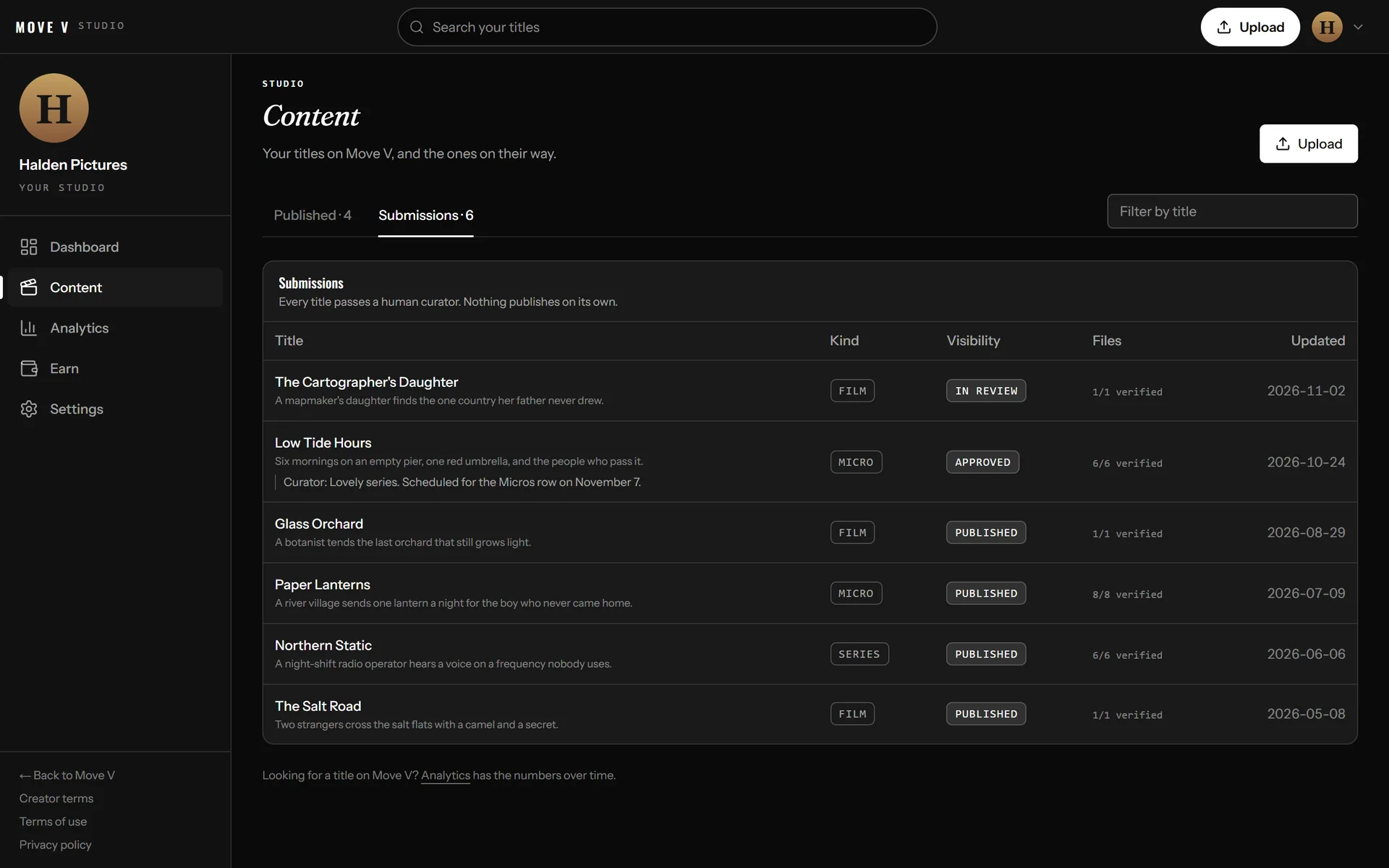
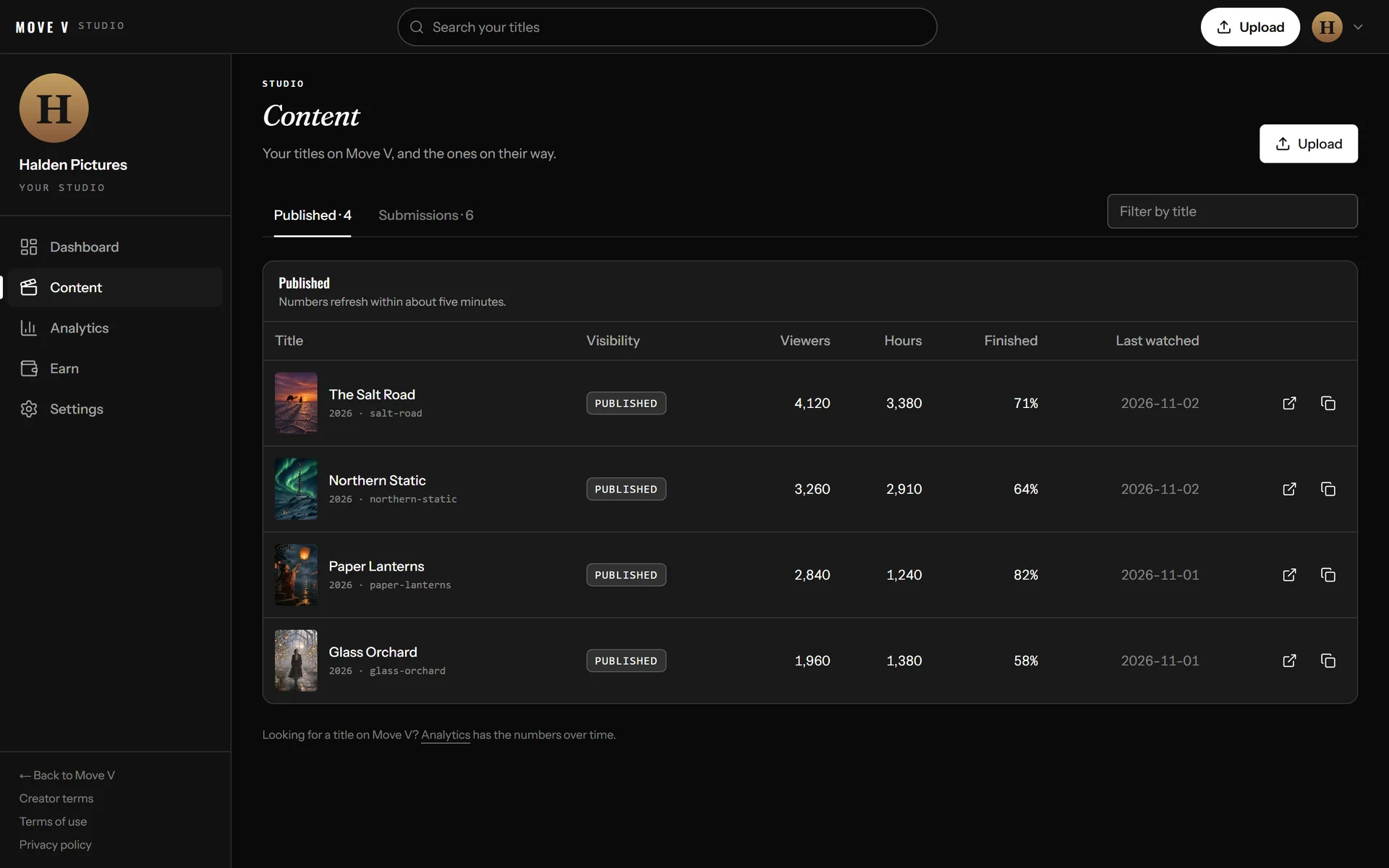
Content lists your published titles with viewers, hours watched, the share of viewers who finished, and when each title was last watched. Analytics goes deeper: total reach, everyone who subscribed with your code, monthly watch time and earnings, and how your Slate pitches stand with the audience.
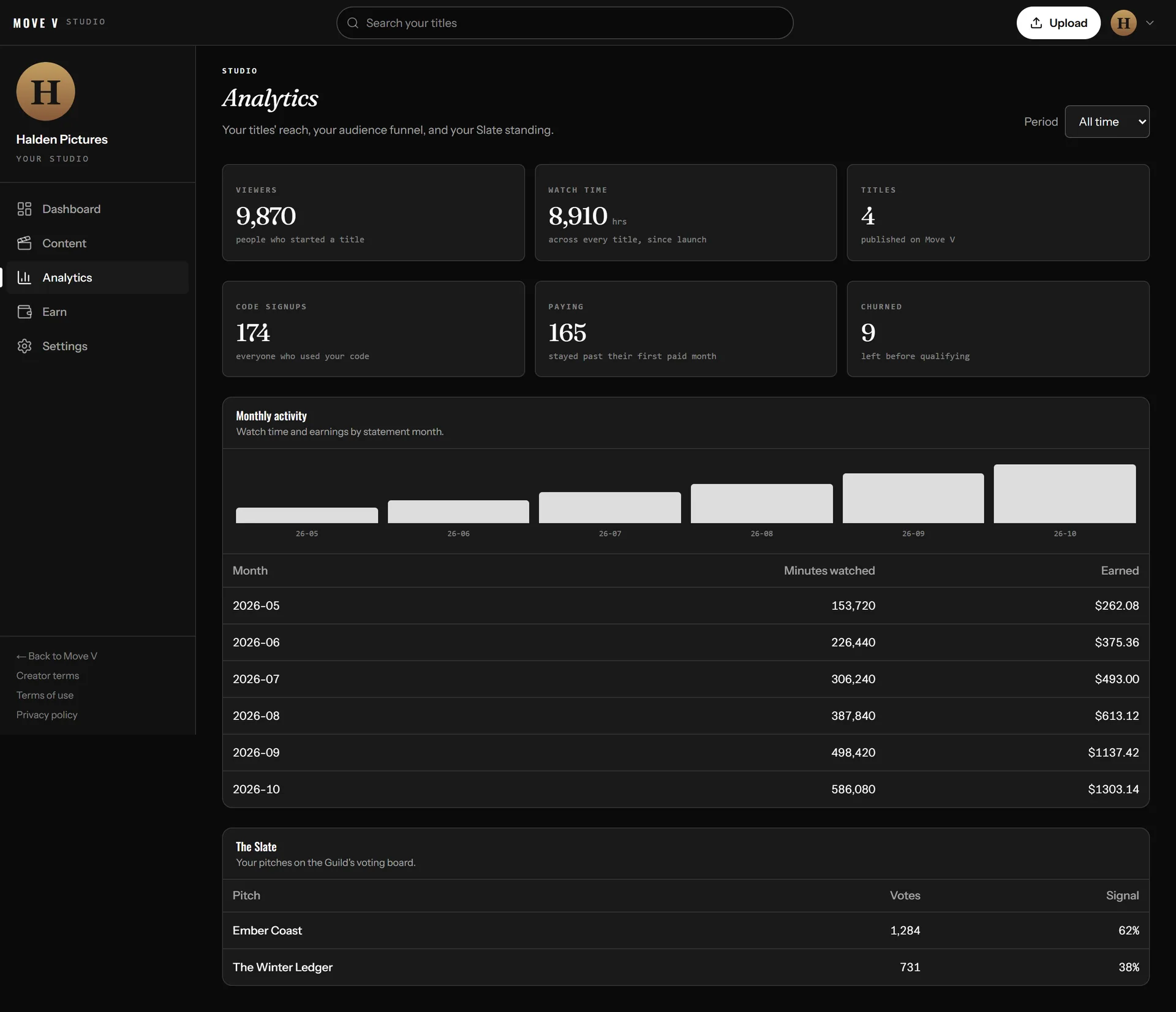
The pool comes from subscription revenue. Each creator's share of it follows watch time: if your titles were 7.4% of everything watched on Move V that month, your share of the pool is based on 7.4%.
Your rate starts at 20%. Once 100 subscribers have joined with your code and stayed past their first paid month, it steps up to 30% and never goes back down.
Each subscriber who joins with your code and stays past their first paid month earns you a $2.50 bounty, on top of the pool. You earn it once and keep it, whatever they do later.
When a month closes, your statement lands on the Earn tab: watch share, rate and what you earned. Set up payouts once from the Earn tab: a short Stripe form takes your identity, bank details and tax information. After each statement, Move V sends what you earned and Stripe pays it into your bank.
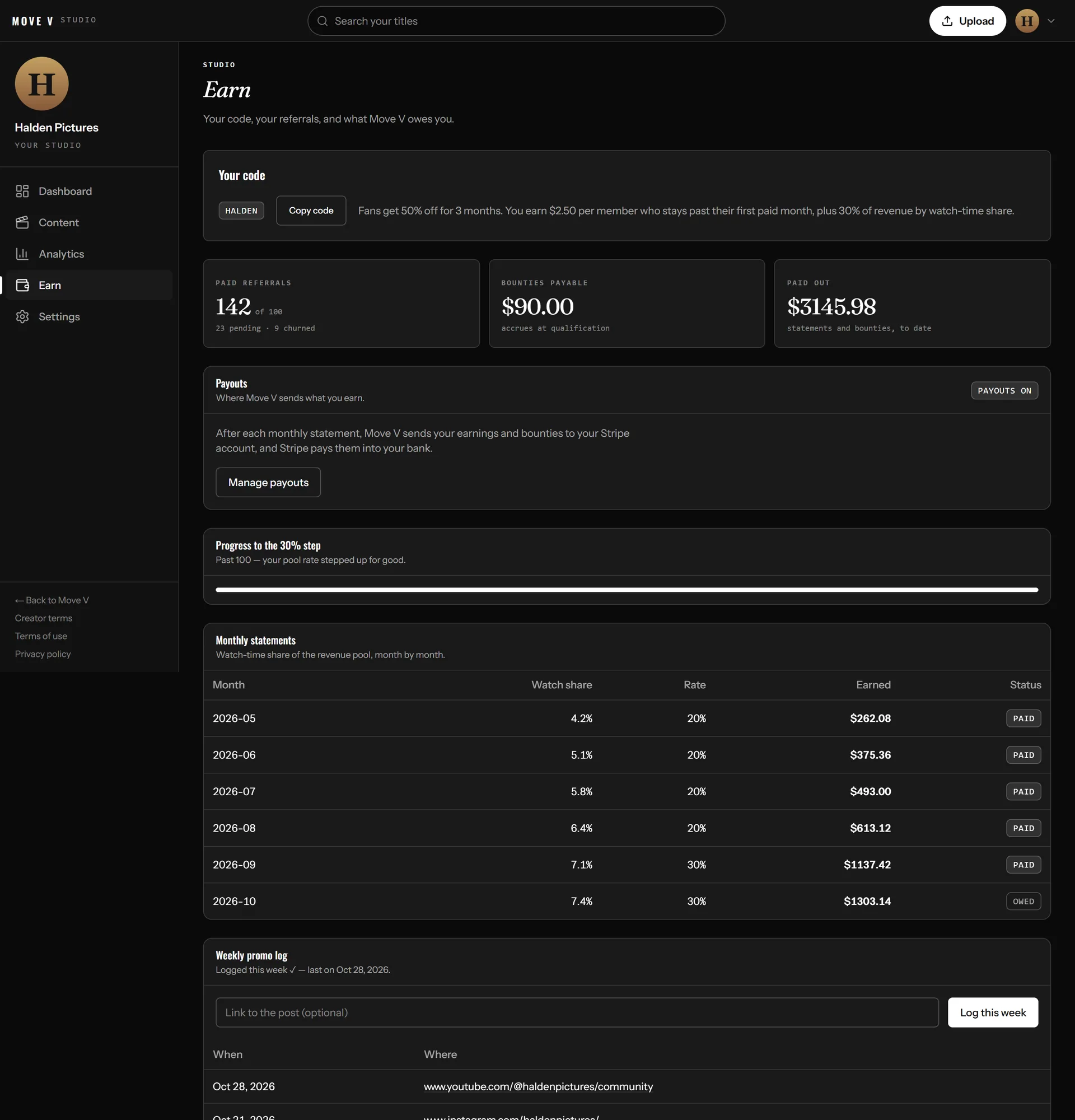
Say your titles drew 7.4% of all watch time in a month and you are past 100 subscribers. For every $1,000 of subscription revenue that month:
Bounties are paid on top: 100 qualified subscribers × $2.50 = $250.
Your cut of the monthly pool grows with your audience, and the step is permanent.
Paid once a subscriber stays past their first paid month, and yours to keep.
Web, iPhone and Android phones, Android TV, Fire TV and Roku, with LG and Samsung TV apps on the way.
Featured rows in the app, Move V's social channels and paid campaigns. We cut the clips and credit you.
Every title page names the human who directed it and the tools they used.
Your titles can stay on YouTube or anywhere else, with no premiere window. Leave any time, and your titles come down within seven days.
Your code does two jobs. Your audience gets 50% off for three months, so it is easy for them to follow you to Move V. And it is how Move V knows which subscribers you brought: every subscriber who joins with it counts toward your bounties and your step to 30%.
The more you share it, the faster you reach 100 subscribers, and after that every month's pool pays you 30% instead of 20%. That is why we ask for one post a week: log it on the Earn tab with a link.
In your posts, videos and bio. It is yours for as long as you are in the program.
They get 50% off for three months, which gives them a reason to join today.
Until then they show as pending on your Earn tab. A fan who leaves before then shows as churned.
You earn the $2.50 bounty, and they count toward your 100-subscriber step to 30%.
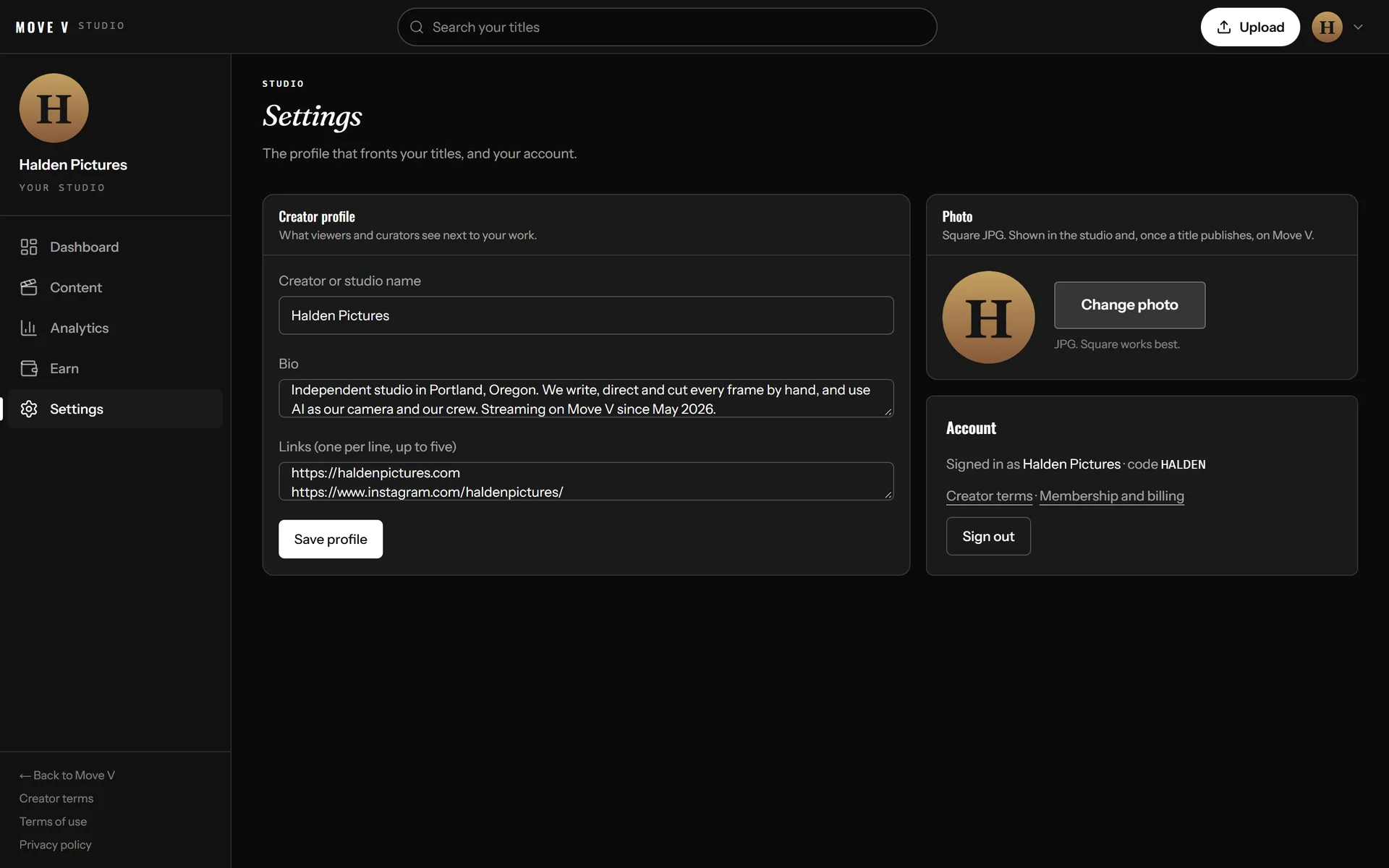
Settings holds the profile viewers see on your creator page: your name, photo, a short bio and up to five links to your channels. Change it whenever you like.
Questions? info@syncgr.com. The binding wording is in the creator terms.